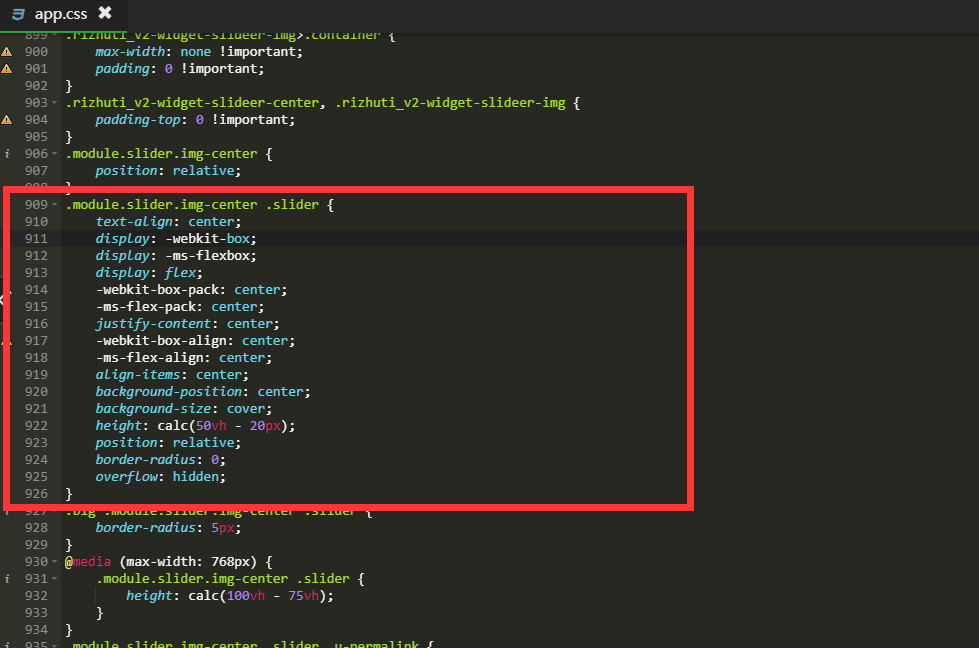
.module.slider.img-center .slider {
    text-align: center;
    display: -webkit-box;
    display: -ms-flexbox;
    display: flex;
    -webkit-box-pack: center;
    -ms-flex-pack: center;
    justify-content: center;
    -webkit-box-align: center;
    -ms-flex-align: center;
    align-items: center;
    background-position: center;
    background-size: cover;
    height: calc(50vh - 20px);
    position: relative;
    border-radius: 20px;
    overflow: hidden;
}